
Patient Experience
Bedside meal ordering software
Let patients order their own meals from a bedside tablet or room screen. Diets, allergens and IDDSI textures are checked automatically before the order reaches the kitchen. Fewer errors, happier patients, less waste.
- Nurses take orders on paper and phone them to the kitchen.
- Patients can't see what's available or choose what they want.
- Diet changes in the file don't reach the kitchen on time.
- Wrong meals are sent to beds — frustration for patients and staff.
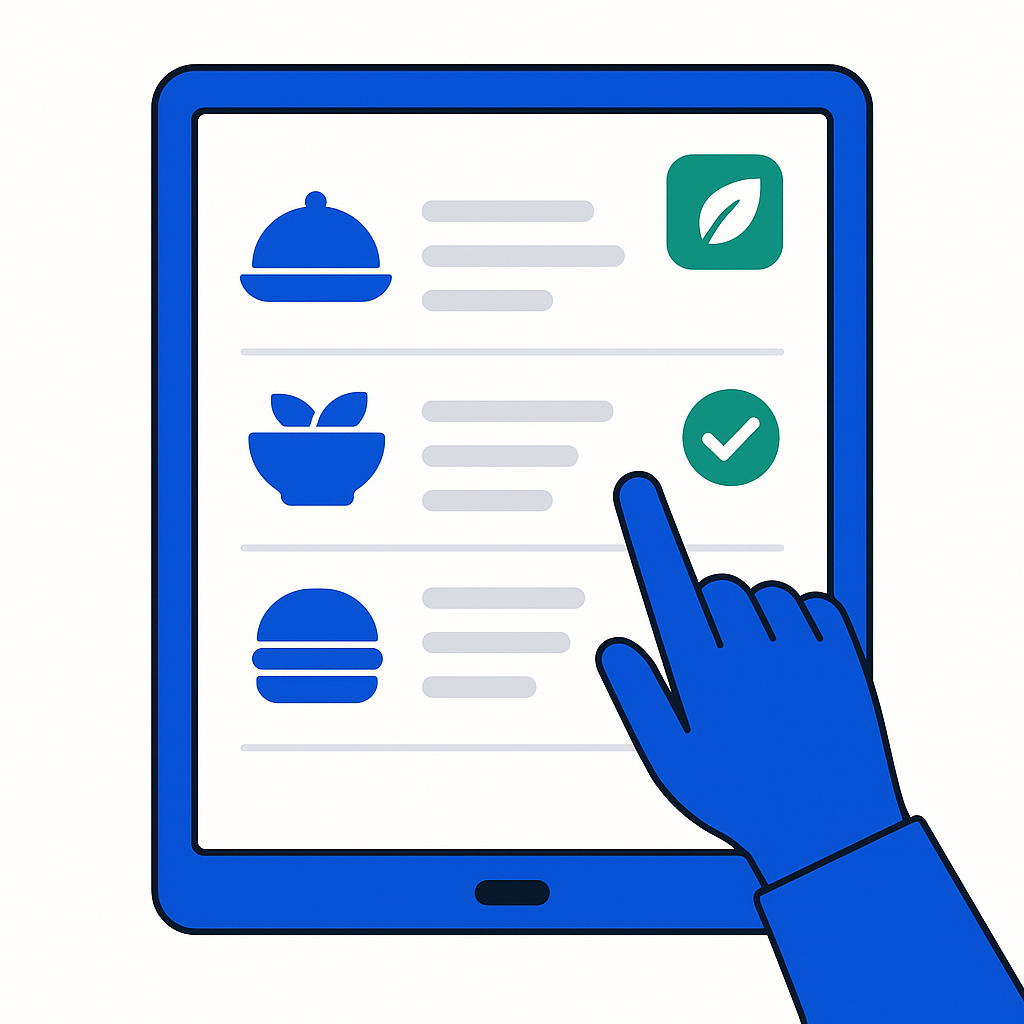
- Patients order from a tablet or screen in their room.
- Only suitable meals are shown — diets and allergens checked.
- Orders go straight to the kitchen, consolidated by ward.
- Labels and tray cards match the order exactly.
What bedside meal ordering software should do
Patient-friendly interface
Large buttons, clear images, simple language. Patients see only meals that are suitable for their diet, texture and allergies. No confusion, no mistakes.
Patient self-ordering →Diet validation at the point of order
IDDSI textures, allergens and clinical diets are checked before the patient confirms. The kitchen only receives orders that are safe to produce.
Diets & textures →Real-time kitchen dashboard
The kitchen sees orders as they come in, consolidated by ward and diet type. Production quantities update live — no more guessing or overproducing.
Orders by floor →From paper lists to patient choice
CalcMenu connects the bedside order to the kitchen production list and the tray label in one system. A patient changes their mind at 10:00 — the kitchen knows by 10:01.
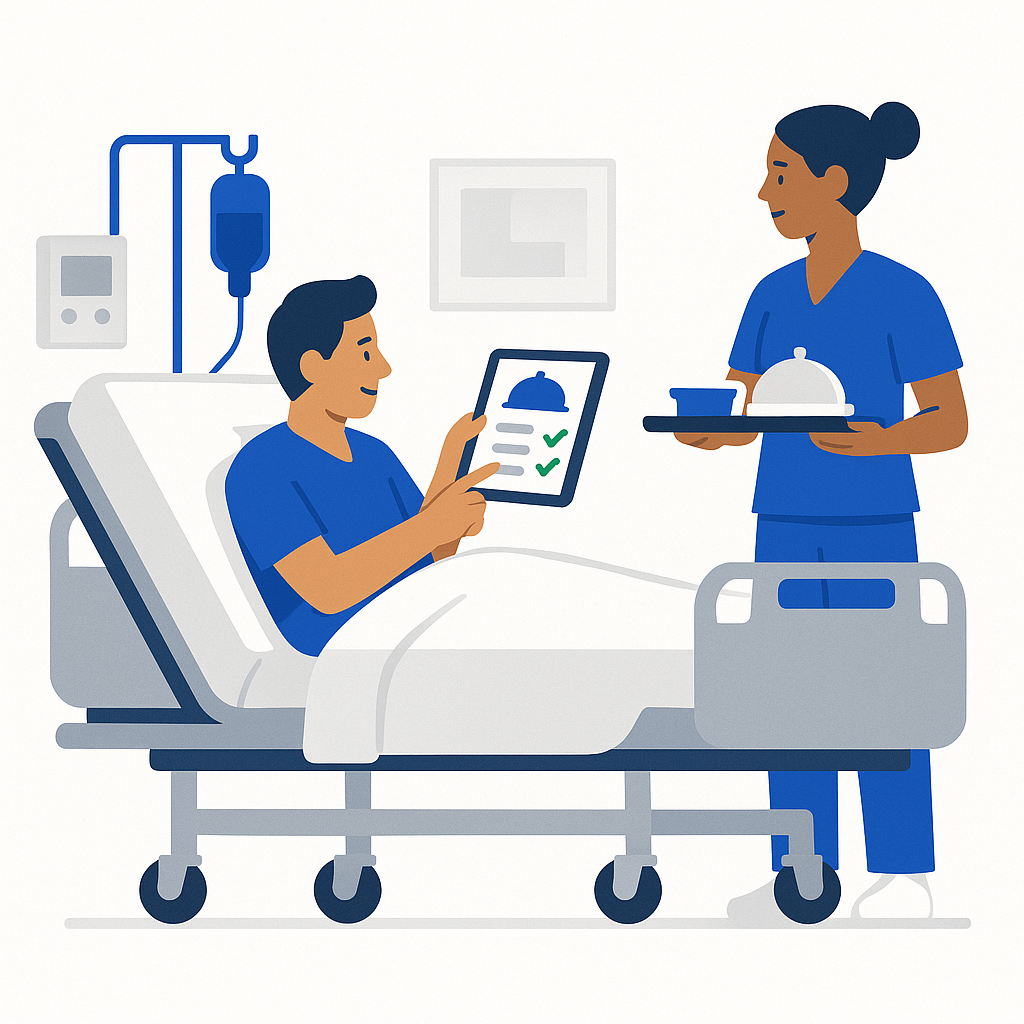
- Patients order from any tablet or bedside screen — no app install needed.
- Only suitable meals shown — diets, allergens and textures validated.
- Kitchen receives live, consolidated orders by ward and diet.
- Tray labels generated from the same data — zero mismatch risk.
Frequently asked questions
- What devices do patients use to order?
- Any tablet, touchscreen or room display with a browser. No app installation is needed. The interface is designed for patients of all ages and digital literacy levels.
- How are diets and allergens checked?
- Each patient's diet profile is stored in CalcMenu. When they open the ordering screen, only meals that match their diet, IDDSI texture and allergen restrictions are shown. If a patient tries to order something unsuitable, the system flags it before the order is sent.
- Can patients order for future meals?
- Yes. Patients can order breakfast, lunch and dinner in advance — for today or tomorrow. The kitchen sees all orders in one consolidated list, organised by meal time and ward.
- What happens if a patient's diet changes?
- Diet changes are updated in real time. If a patient's diet is changed at 10:00, their ordering screen is updated immediately and the kitchen's production list reflects it for the next meal.
See bedside ordering in your hospital
20 minutes is enough to check whether CalcMenu fits your patient-to-kitchen workflow.
Talk to a human — 20 min