Kitchen labels printed straight from the recipe: zero double-entry with NiceLabel
How the CalcMenu–NiceLabel connector eliminates re-entry on production labels: every recipe change flows immediately to the printed label.
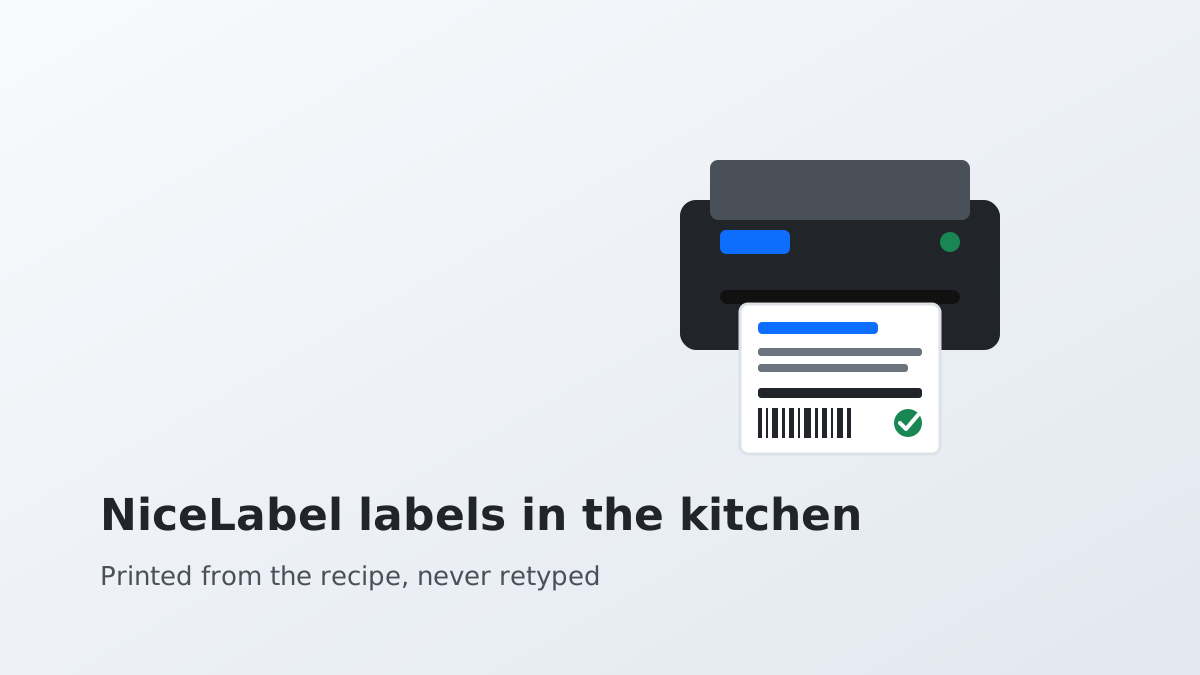
Labelling prepared foods is one of the most concrete obligations in food law. In most European jurisdictions, every packaged or portioned preparation must show: the product name, the ingredient list (with allergens highlighted), the use-by date (UBD) or best-before date (BBD), and storage conditions. In collective catering, central production kitchens generate hundreds — sometimes thousands — of labels every day.
The question is not whether these labels are mandatory. They are. The question is where the data on them comes from.
The problem: two data sources that never talk to each other
In most kitchens that have both a recipe management system and NiceLabel, these two tools run in parallel without a direct connection. The consequence: when a recipe changes — an ingredient swapped, an allergen added, a use-by rule revised — someone must manually update the label template in NiceLabel. That step is usually handled by a different person from the one who changed the recipe.
Between the update in the recipe system and the update in the label template, there is a gap. During that gap, incorrect labels can be printed and affixed to products ready for delivery. This is not a theoretical scenario: it is the daily reality in many production kitchens.
How the CalcMenu–NiceLabel connector works
The CalcMenu–NiceLabel connector creates a direct link between the recipe card and the label template. When a recipe is validated in CalcMenu, the relevant data is automatically sent to NiceLabel: product name, ingredient list with allergens in bold, production date, use-by date calculated according to the storage rules configured in CalcMenu, and batch number if required.
The kitchen operator triggers printing from CalcMenu — or from a workstation linked to the production line — without ever re-entering this information in NiceLabel. The label template is a data receiver, not a form to fill in.
When the recipe changes, the change is made in CalcMenu. NiceLabel picks up the new data at the next print job. There is no manual template update step.
What this prevents
Double-entry is one of the main sources of errors on production labels. An ingredient added to the recipe but missed on the label, a use-by date calculated differently depending on who makes the label, a product name that varies from one workstation to the next according to each person’s habits.
These inconsistencies are not professional mistakes: they are the natural consequence of a process that requires entering the same information twice in two different systems. The connector removes that duplication.
Beyond errors, double-entry costs time. In a central kitchen producing hundreds of portions a day, the time spent managing label templates adds up quickly, week after week. That time is recoverable.
Use-by vs best-before: a distinction CalcMenu understands
The use-by date (UBD) applies to microbiologically sensitive preparations. Consuming a product past this date carries a health risk; selling it past this date is an offence. The best-before date (BBD) applies to stable preparations where exceeding the date is not dangerous but may affect organoleptic quality.
CalcMenu distinguishes between the two based on the preparation type configured in the recipe card. The calculation rules (day +2, day +5, fixed date, date varying by storage temperature) are defined once and applied automatically at every print. The operator calculates nothing: the correct date appears on the label.
Who this is for
This type of integration is primarily relevant for central kitchens and production units that package their preparations before delivery or distribution across multiple sites. It also applies to collective catering restaurants that portion preparations in advance for evening or next-day services.
If you already use NiceLabel and are looking to connect it to your recipe management system, or if you are deploying NiceLabel for the first time and want data to come directly from your recipe cards, request a demonstration of the connector.
Related sectors
Comments
Comments coming soon.