
Mobile Patient Dining
Patient food ordering app
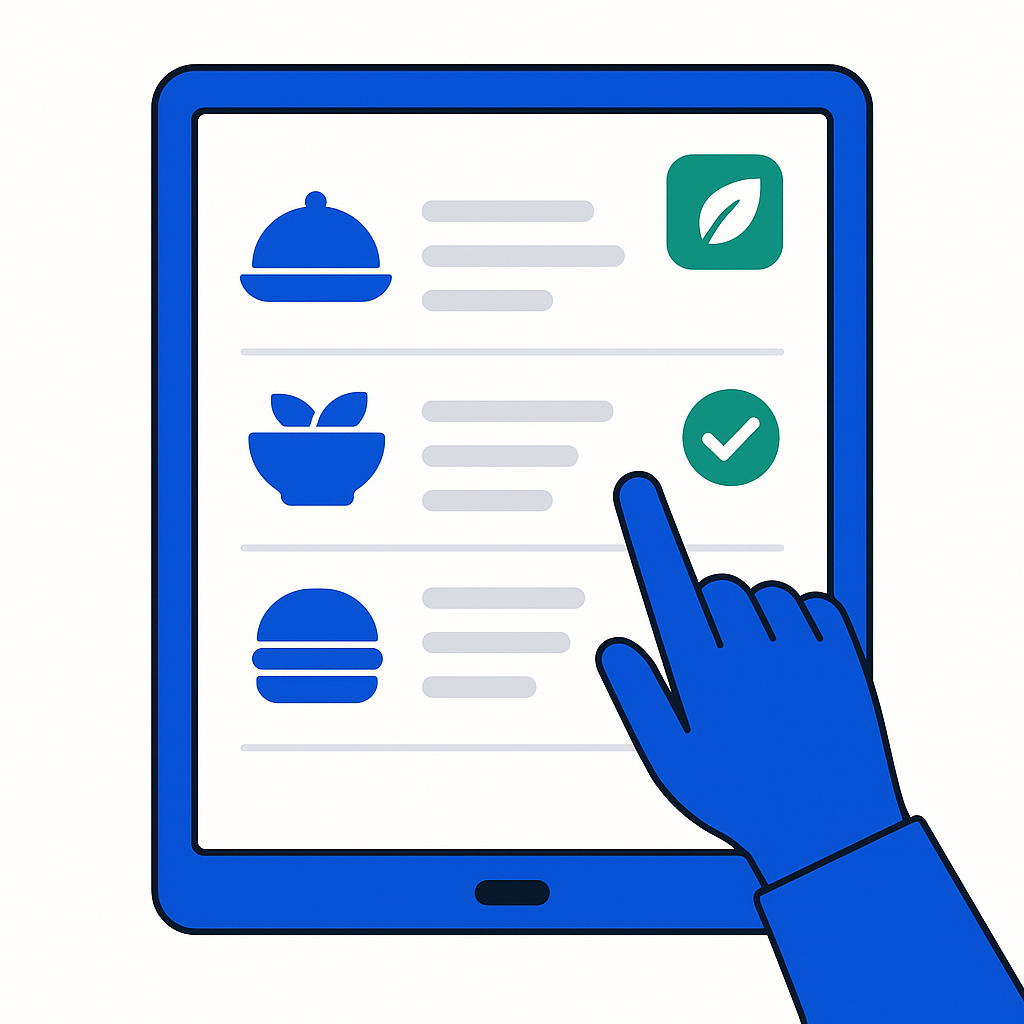
Let patients order meals from their bedside without installing an app. Any tablet, phone or room screen works - diets and allergens are checked automatically before the order reaches the kitchen.
- Patients get whatever the kitchen prepared - no choice, no input.
- Diet restrictions are managed by staff, not visible to the patient.
- Allergen information is on a label the patient may not read.
- Meals are refused because they do not match what the patient wanted.
- Patients choose from a menu filtered to their diet and preferences.
- Allergens and intolerances are checked before the order is confirmed.
- IDDSI textures are validated - only suitable options are shown.
- The kitchen receives validated orders, reducing waste and complaints.
What a patient food ordering app should do
No app needed
Patients order from any device with a web browser - tablet, phone or room screen. No installation, no accounts, no passwords to remember.
Patient self-ordering →Diet-safe menu
Only meals that match the patient's diet, IDDSI texture and allergen profile are shown. The patient sees a personalised menu, not a generic list.
Diets & textures →Real-time kitchen sync
Orders appear on the kitchen dashboard as they are placed. Production quantities update live, so the kitchen knows exactly what to prepare.
Orders by floor →App-free ordering for every patient
CalcMenu works on any device with a browser - no app stores, no updates, no compatibility issues. Patients simply tap, choose and order. The kitchen gets validated orders in real time.
- Works on any tablet, phone or room screen - no installation.
- Menu filtered to each patient's diet, texture and allergens.
- Orders validated before sending - unsafe choices blocked.
- Kitchen receives live, consolidated orders with production counts.
Frequently asked questions
- Do patients need to download an app?
- No. CalcMenu runs in any web browser - on tablets, phones or room screens. No app store, no installation, no updates. Patients simply open the browser and start ordering.
- How does the menu adapt to each patient?
- Each patient's diet profile - including IDDSI texture, allergies and clinical diets - is stored in the system. When they open the ordering screen, only suitable meals are shown.
- Can patients order for future meals?
- Yes. Patients can order breakfast, lunch and dinner in advance. The kitchen sees all orders organised by meal time, so production can be planned efficiently.
- What if a patient changes their mind?
- Orders can be modified or cancelled up to the cut-off time set by the kitchen. After that, the order is locked for production. Changes are reflected in the kitchen dashboard immediately.
See the patient ordering app in action
20 minutes is enough to see how app-free patient ordering can work in your hospital.
Talk to a human — 20 min